10.3 Assigning Credential Rights
-
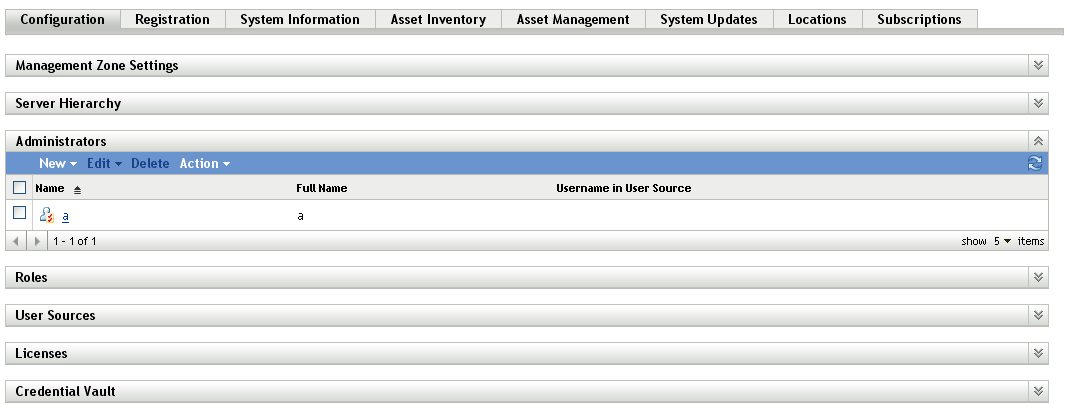
In ZENworks Control Center, click the tab.
-
In the section, click the underlined link for the administrator for which you want to change rights.
-
Click the tab.
-
In the section, click > .
-
Click to select folders containing credentials, then modify the rights associated with those folders.
If you need help, click the button.